Describe the result
Name the audience, message, style, duration, aspect ratio and assets. Define the final frame before asking for decorative motion.
Codex can help you write and revise an animation project on your computer. You direct the result, inspect it and render an MP4 with local tools.
Name the audience, message, style, duration, aspect ratio and assets. Define the final frame before asking for decorative motion.
Ask Codex to make the scene, run the checks and render a preview. Inspect key frames and playback. Change timing, hierarchy or camera one at a time.
Render the MP4 locally. Keep the TypeScript, assets and locked dependencies so you can update the video without starting again.
The starter uses Remotion, a React-based video renderer. Its positions depend on the frame number, so scrubbing the timeline and exporting use the same animation logic. Official Codex app documentation.
Use it for: Show a process, brand message or abstract relationship with moving shapes.
Notice: Spacing, easing and visual hierarchy do most of the work.
Watch for: Moving shapes need a clear idea to explain. More motion does not mean more clarity.
Download preview MP4Open the downloaded project in Codex, then paste this brief. It specifies a result and how to verify it.
Read README.md and src/Scenes.tsx in this project. Make five simple shapes settle into one orderly row. Use gentle easing and a blue, cream and gold palette. End on a held, readable arrangement.
Use idiomatic typed TypeScript, React and Remotion. Keep the scene four seconds at 30 fps, 1280 by 720. Derive animation from useCurrentFrame so seeking and export agree. Keep essential content inside a 52 px safe area. Run npm run typecheck and render the composition. Inspect frames at 0, 1, 2 and 3 seconds. Tell me the final MP4 path and any remaining defects. Make no paid API calls.
| Style | Tools | Best fit |
|---|---|---|
| Motion graphics | Remotion + SVG | Show a process, brand message or abstract relationship with moving shapes. |
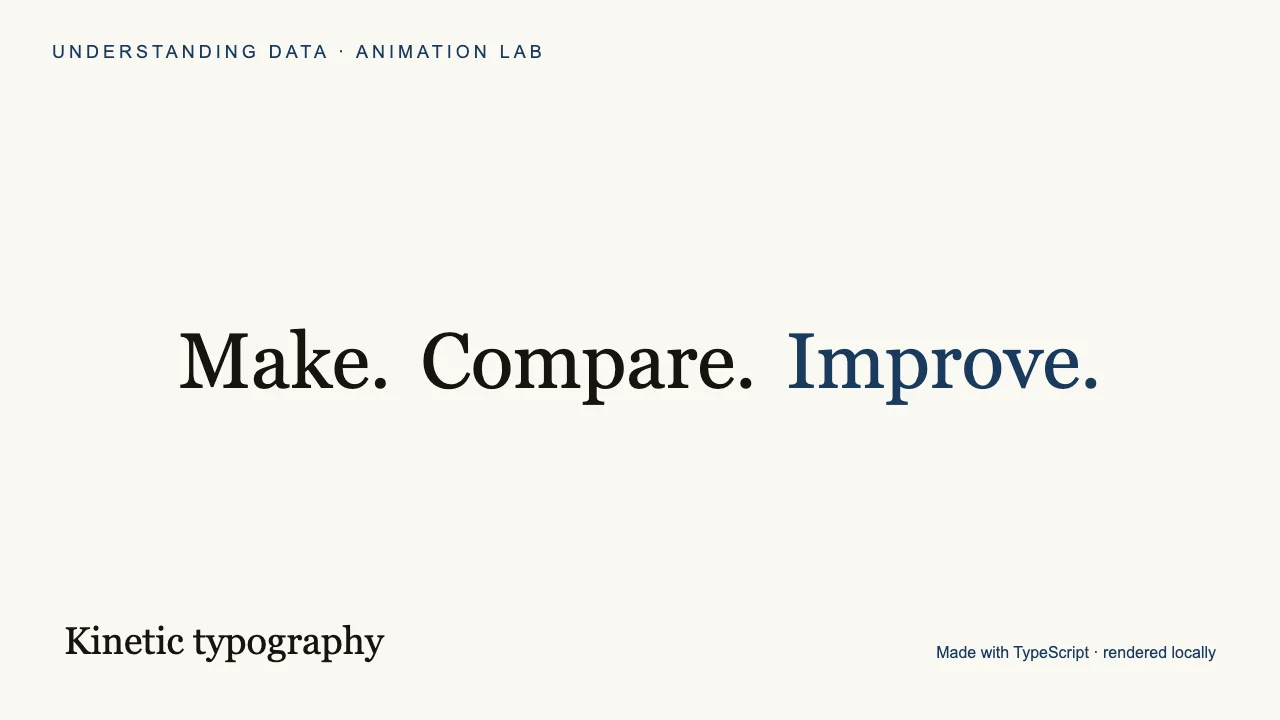
| Kinetic typography | Remotion + React | Emphasise a hook, quotation, instruction or short voiceover. |
| Animated data | Remotion + SVG | Explain change, comparisons and an emerging pattern. |
| SVG explainer | Remotion + SVG | Walk through flows, architecture, decision trees or a concept map. |
| Whiteboard drawing | SVG stroke animation | Explain a simple idea as if sketching it for a class. |
| Character cutout | Remotion + PNG layers | Reuse a presenter, mascot or product in social clips and narrated explainers. |
| 2.5D parallax | SVG or layered images | Give a scene depth with a foreground, middle ground and background. |
| Pixel art | SVG grid or sprite sheet | Make retro game scenes, tiny characters and deliberately low-resolution motion. |
| Stop-motion look | Remotion, stepped timing | Create a tactile paper or clay-inspired rhythm with held poses. |
| 3D animation | Three.js + Remotion | Show real depth, camera movement, products and spatial relationships. |
Install Node 22 or newer. Unzip the starter, open a terminal in its folder, and run these commands:
npm ci
npm run typecheck
npm run dev
npm run render
The dev command opens a local preview. The render command exports all ten four-second compositions as MP4s and poster images into output/. The first render downloads Remotion’s browser if required. Dependencies and the presenter image are bundled or pinned; generation API keys are unnecessary.
Begin with kinetic typography, SVG explainer or character cutout. The same source also includes parallax, pixel art, simulated stop motion and a real Three.js scene.
Success: another student can run your project, reproduce the video and identify the idea it communicates.
Build a reusable character reference →