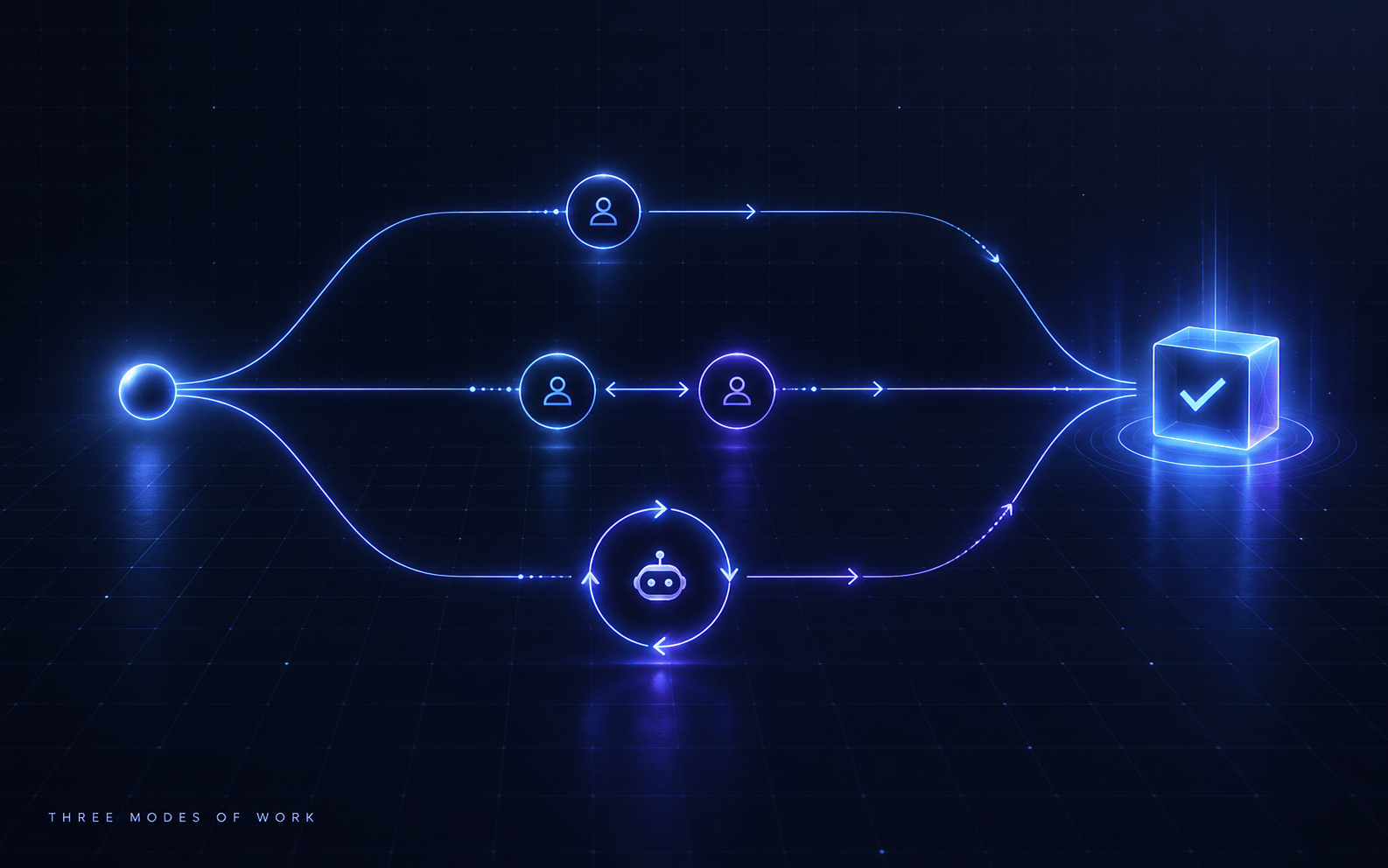
When an agent runs for an hour, make it write the log you will actually read. Markdown to skim, JSON to resume.
The Pattern
I had Codex run a long autonomous job: cut Octospark’s Temporal stack over from Temporal Cloud to a self-hosted Synology NAS, prove backups to GCS, and prove a restore onto a throwaway GCE VM. Dozens of commands across PR merges, deploys, six failed deploy attempts, backup runs, and a disaster-recovery drill.
The naive way to supervise that is to watch the terminal. I did not. Instead I asked it to maintain two files on my Desktop and update them as it worked, not just at the end:
temporal-nas-cutover-report.md, a narrative report I skimtemporal-nas-cutover-progress.json, a structured progress tracker
The terminal became something I could ignore. The report became the thing I reviewed, at my own pace, scrolling back and forth, on my own schedule.
Why Terminal Scrollback Is the Wrong Medium
A terminal is a live firehose optimised for the machine’s pace, not mine. Scrollback is ephemeral, unstructured, and interleaved, so the one fact I care about is buried under a thousand I do not. It scrolls at the agent’s speed, not my reading speed. I cannot search it cleanly, I cannot grade it section by section, and the moment I close the window the entire audit trail is gone.
A Markdown file inverts all of that. It is durable, structured, searchable, and paced by me. I can open it on either machine, skim the phase headers, drop into the one deploy attempt that failed, and close it again without losing my place. The agent does the work at machine speed and leaves behind an artifact I consume at human speed.
Two Artifacts, Two Readers
The split matters. The two files are not redundant, they serve different readers.
The Markdown report is for me. It reads like a lab notebook grouped by phase (PR reconciliation, deploy, metrics, backup, restore). Every command gets the same four-line schema:
- Command - the exact thing it ran, in a fenced block
- Why it was run - the intent, in one sentence
- Result - exit code plus what actually happened
- State change - what is now different in the world, or “no infrastructure state changed”
That schema is the whole trick. Most logs tell you what ran; the two lines that actually matter are why it ran and what it changed. Those are the only two questions a reviewer has. Putting them on every entry means I can skim “why / state change, why / state change” down the page and reconstruct the entire run without reading a single raw command. When something went wrong (the Postgres 18 volume mount, the pg_dump 17-vs-18 mismatch, the missing GCS bucket), the report shows the failure, the diagnosis, the fix, and the redeploy as a clean four-beat story instead of a wall of stderr.
The JSON tracker is for the machine. Same events, structured: timestamp, phase, cwd, command, purpose, exit_code, result_summary, changed_or_verified, next_action, plus a top-level phases array with status. This is the resumable state. If the run dies, the agent reads the JSON and knows exactly which phase it was in and what the next action was. It is also queryable: I can grep for every exit_code: 1 to see every failure in the run without reading prose.
Markdown is the report. JSON is the state. Write both.
That JSON half is more than a log, it is the run’s actual state file. If you drive the job as a /goal, it doubles as the scoreboard the agent reads to pick its next action and to resume after a crash. This is the same markdown-plus-JSON split that Two Files Keep a Long /goal Run Alive argues from the opposite direction: there the markdown is the unchanging brief the agent reads, here it is the report I read, but in both the JSON is the machine-writable state and the two never share a file. The report and the scoreboard are usually the same JSON wearing two hats: a flight recorder for me, a resume point for the agent.
What It Buys Me
- Asynchronous oversight. This is attention arbitrage applied to supervision. I do not spend an hour watching a terminal, I spend five minutes skimming a report after the fact. The agent’s hour costs me minutes.
- A durable audit trail. The report survives the session. For an infra cutover that touched prod namespaces, 1Password, GCS buckets, and a NAS, that record is the postmortem, the runbook, and the PR description rolled into one.
- Early drift detection. Because each entry states intent and effect, I can catch the agent doing the wrong thing while it is cheap to catch, not after it has compounded.
- Resumability for free. The JSON
next_actionfield means a crashed run is a resumed run, not a restarted one. - The report writes the writeup. When the job is done, the Markdown is already 90% of the blog post, the incident review, or the handover doc. Zero extra work.
How To Ask For It
I bake this into the goal prompt for any long autonomous run:
As you work, maintain two files and update them after every command,
not just at the end:

1. <task>-report.md  - a human-skimmable report grouped by phase. For
   each command record: the command, why you ran it, the result
   (exit code + what happened), and what state changed.

2. <task>-progress.json - a structured tracker with one record per
   command (timestamp, phase, cwd, command, purpose, exit_code,
   result_summary, changed_or_verified, next_action) and a phases
   array with status, so you can resume if interrupted.
The “update after every command, not just at the end” clause is load-bearing. A report written only at the end is a summary, and summaries hide the failures. A report written incrementally is a flight recorder, and flight recorders are where the value is.
When It Is Worth It
This is for long, multi-step, autonomous runs that change real state: deploys, migrations, cutovers, anything touching infra or prod. The reporting overhead is rounding error against a job that runs for an hour.
It is not worth it for a three-command task I am watching live. The point is to buy back attention on jobs long enough that watching them is the expensive part. When the run is short enough to babysit, babysit it. When it is not, make it narrate, and read the narration instead of the terminal.
Related
- Two Files Keep a Long /goal Run Alive - The same markdown-plus-JSON split from the input side, for keeping a long
/goalrun alive - Attention Arbitrage: Delegate to Agents
- Agent-Driven Development
- The Session Audit Meta-Prompt
- Systems Thinking & Observability
- Indexed PRD & Design Doc Strategy